The Plan Usage tab in Settings gives you a real-time view of how much of your plan you have used and what is left for the current billing period. Use it to monitor your limits and decide whether to add capacity.
Go to Settings > Plan Usage tab.
At the top you will see your current plan limits with progress bars.
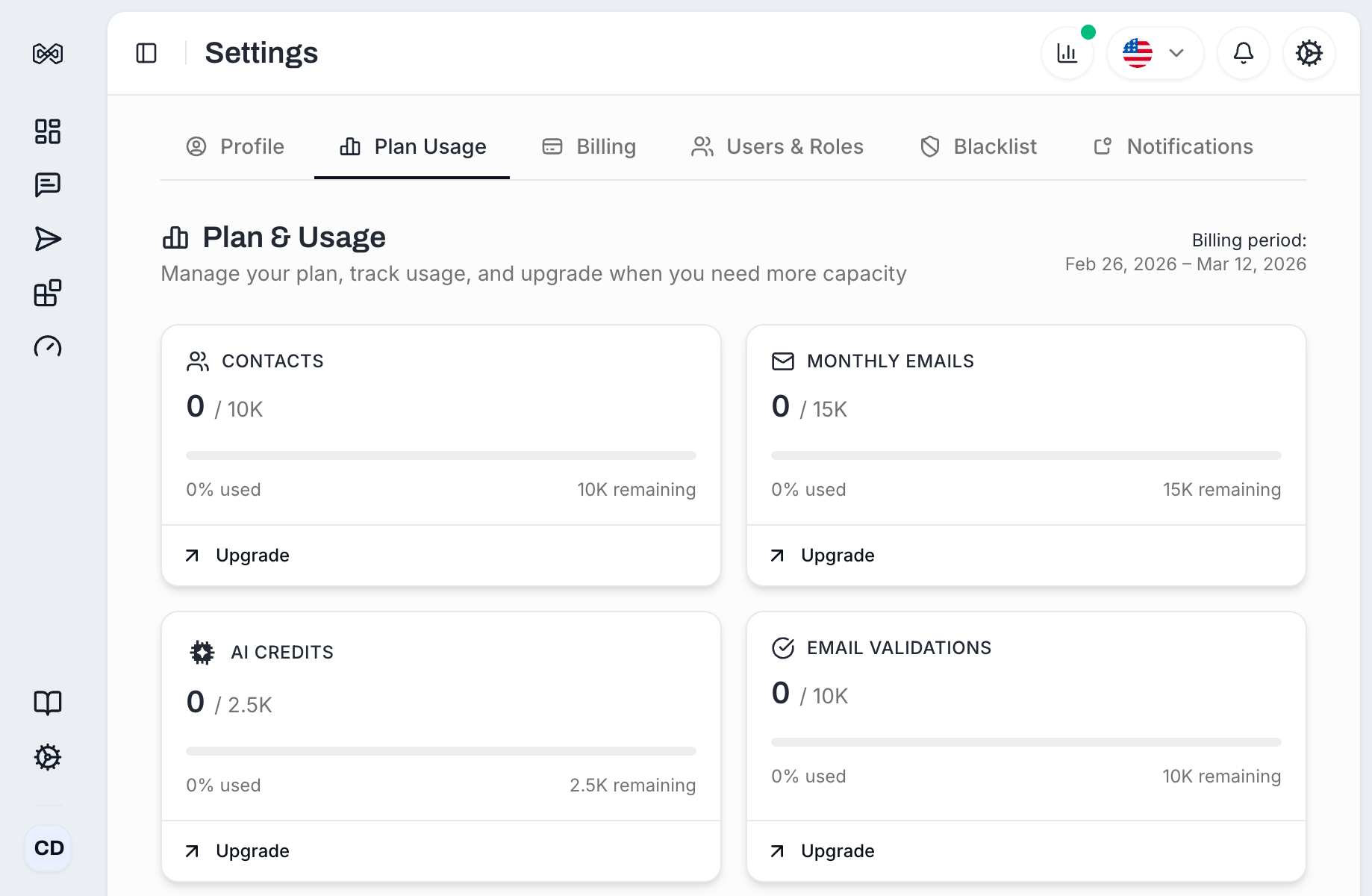
Each limit displays a progress bar with the amount used and the total available:
Meter | What It Tracks |
|---|---|
Contacts | Total number of active contacts (leads) in your workspace |
Monthly Emails | Number of emails sent during the current billing period |
AI Credits | AI features used - email personalization, research, classification |
Email Validations | Email addresses verified through the built-in validation tool |
Below each meter you will see:
The exact count (e.g., "0 used, 750 remaining")
An Upgrade link if you want more capacity
On the right side of the usage section, you will see your Billing period which is the start and end dates of your current billing cycle.
Usage counters reset automatically at the start of each new billing period.

Note: Unused credits do not roll over to the next month on all plans.
Your effective limits are the sum of your base plan plus any active add-ons. For example:
Base plan (Starter): 8,000 contacts
Active add-on: +10,000 contacts
Effective limit: 18,000 contacts
If you have an Enterprise plan, it overrides all plan-based limits entirely.
Contacts limit - Campaign sending to new will stop once the limit is reached. Remove existing contacts or increase your limit to resume sending.
Monthly emails limit - Campaign sending pauses. Warmup emails are not affected.
AI credits limit - AI-powered features (email personalization, lead research) become unavailable until credits reset or you add more.
Email validations limit - The validation tool becomes unavailable.
You will get a notification inside the dashboard when you are approaching a limit. In case of reaching monthly limit, to avoid interruptions, consider purchasing add-ons or upgrading your plan.