Keep your payment information current to avoid subscription interruptions. MailBeast supports credit cards, debit cards, PayPal, Apple Pay, Google Pay, and other popular payment methods.
Go to Settings > Billing tab.
Find the Payment Method section on the left side.
Click Update Payment Method.
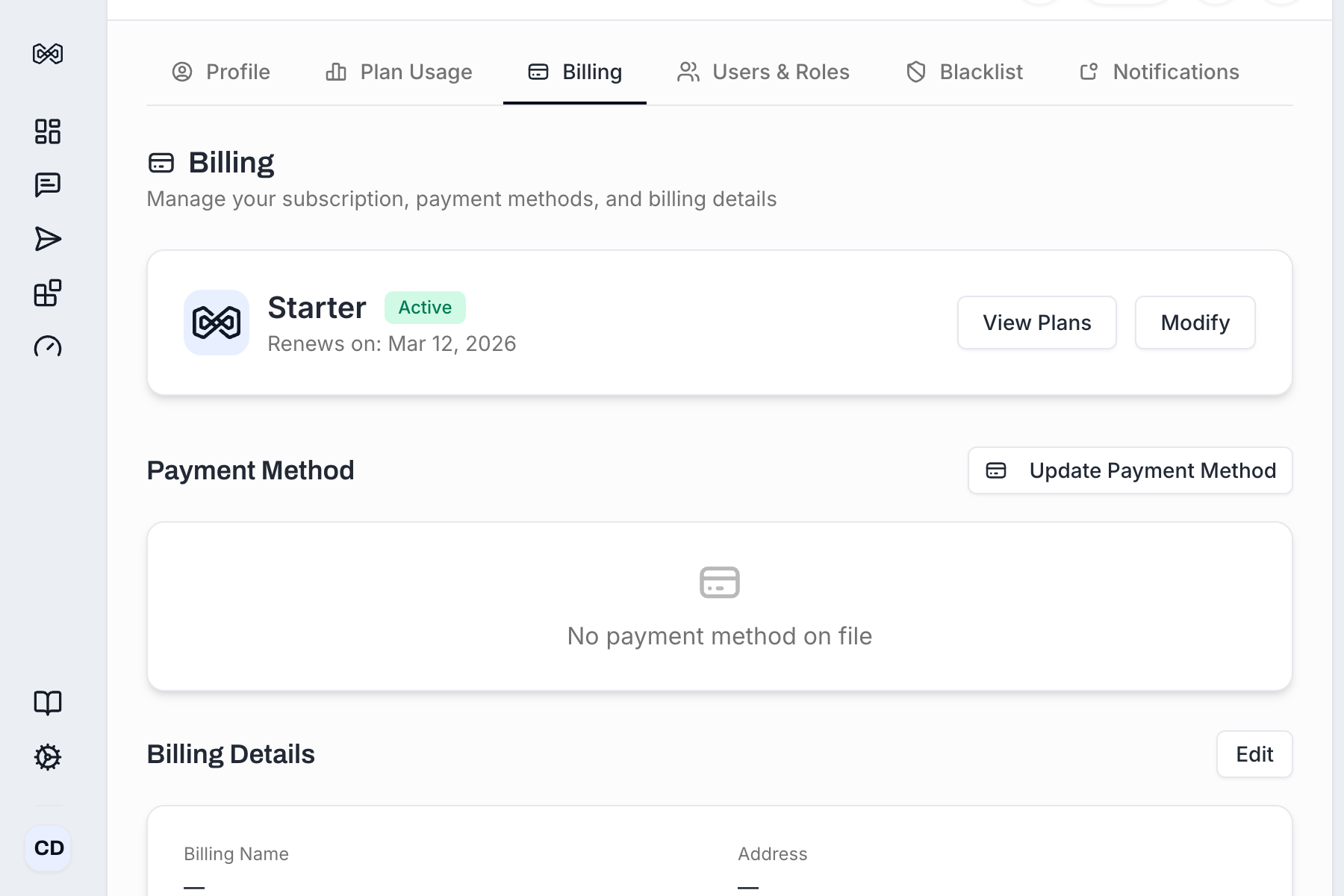
A secure payment form opens. Enter your new payment details:
Credit/Debit card - Card number, expiration date, CVC
Apple Pay / Google Pay - Authenticate via your device
Confirm the update.
Your new payment method is saved and will be used for all future charges, including subscription renewals and add-on purchases.
Method | Details |
|---|---|
Credit/Debit Cards | Visa, Mastercard, Amex, Discover, JCB, UnionPay, Cartes Bancaires, Interac |
Apple Pay | Available on supported devices and browsers |
Google Pay | Available on supported devices and browsers |
Amazon Pay | Pay with your Amazon account |
Cash App Pay | Available in the US |
Klarna / Afterpay | Buy now, pay later options where available |
iDEAL | Available for Dutch bank accounts |
Bancontact | Available for Belgian bank accounts |
Wire Transfer | Available for Enterprise plans |
All payments are processed by our billing partner Dodo Payments. The available payment methods are automatically presented to you based on your location, currency, and device. No additional setup is needed on your side - just pick the option that works best for you.
Subscription renewal - Automatically at the start of each billing period (monthly or annually).
Plan upgrades - Immediately when you confirm the upgrade (prorated amount).
Add-on purchases - Immediately when you complete the purchase.
If a renewal payment fails, your limits might get restricted after a short grace period. Here is how it will work:
MailBeast retries the charge and sends you an email notification.
Your subscription moves to an On Hold status during a grace period.
You will see a last payment error message on the Billing tab explaining why the charge failed.
Update your payment method to resolve the issue.
If the payment is not resolved on time, your subscription may be canceled after the grace period ends.
Common reasons:
Insufficient funds - Check your account balance.
Card expired - Update to a card with a valid expiration date.
Bank security block - Some banks block international or recurring transactions. Contact your bank to authorize the charge.
Incorrect details - Double-check the card number, expiration date, and CVC.