Duplicating saves time when you want to reuse a campaign's structure, content, or settings without starting from scratch. You can duplicate entire campaigns or individual sequence steps.
Open Campaigns from the sidebar.
Find the campaign you want to duplicate.
Click the action menu (⋯) on the campaign row.
Select Duplicate. The Duplicate Campaign dialog opens.
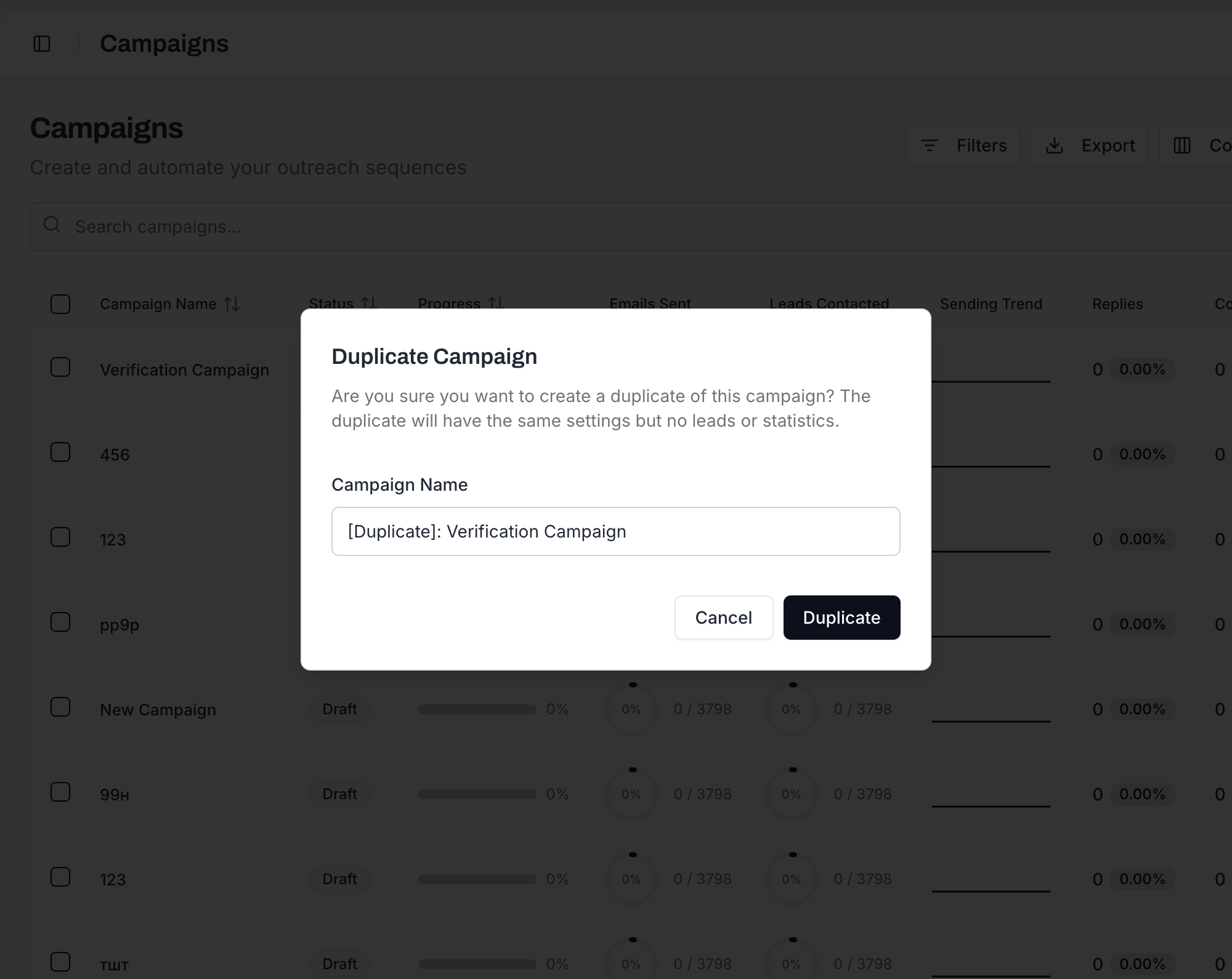
Set Campaign Name: type the name you want for the copy.
Click Duplicate. A new campaign is created in Draft status with the structure copied from the original (sequences, variants, schedule, settings) but no leads or analytics.
Open it and modify whatever you need before launch.
When you duplicate a campaign, the following is carried over:
All email sequences and steps
Step delays and timing configuration
A/B testing variants and traffic distribution splits
Subject lines and email body content
Campaign settings (tracking options, stop-on-reply, bounce protection, etc.)
Schedule settings (timezone, sending days, time windows, intervals)
SMTP account assignments
Campaign tags
The duplicate starts clean, without:
Leads - You need to import or add leads to the new campaign
Analytics and performance data - Metrics start from zero
Sending history - No emails have been sent from the duplicate
Campaign status - The duplicate always starts in Draft status, regardless of the original's status

Why leads are not copied: This is intentional. You usually duplicate a campaign to target a different audience or re-run with fresh contacts. Copying leads would risk sending the same people the same sequence twice.
You can also duplicate individual steps within a sequence:
In the Sequence Editor, hover the step card in the left panel.
Click the Duplicate icon under the step number (next to the move-up / move-down arrows).
A copy of the step - including all variants, their subjects, bodies, and the Wait for X days / Y hours value - appears as a new step at the end of the sequence.
Edit the copy as needed: change the content, adjust the wait, modify variants.
This is useful when you want a new step that's similar to an existing one. For example, if your Step 2 and Step 3 follow a similar structure with different messaging, duplicate Step 2 and modify the copy.
You have a proven campaign that works well. Duplicate it, swap in a new lead list with different targeting, and adjust the personalization. The sequence structure and timing stay the same.
Want to test whether a 3-step sequence outperforms a 5-step sequence? Duplicate the campaign, modify one copy to have fewer steps, and send each version to a different segment of leads.
Your campaign finished and performed well. Duplicate it, refresh the content slightly, import new leads, and run it again.